- Secure checkout
- Instant delivery
- 7-day satisfaction guarantee
- google omni
- gemini video editing
- ai video editing
- google ai studio
- google flow
- higgsfield
- kling omni edit
- ai video prompts
- video transformation
- ai ugc ads
- video editing workflow
- cinematic ai video
- gemini 2.5
- ai creator tools
- video prompt engineering
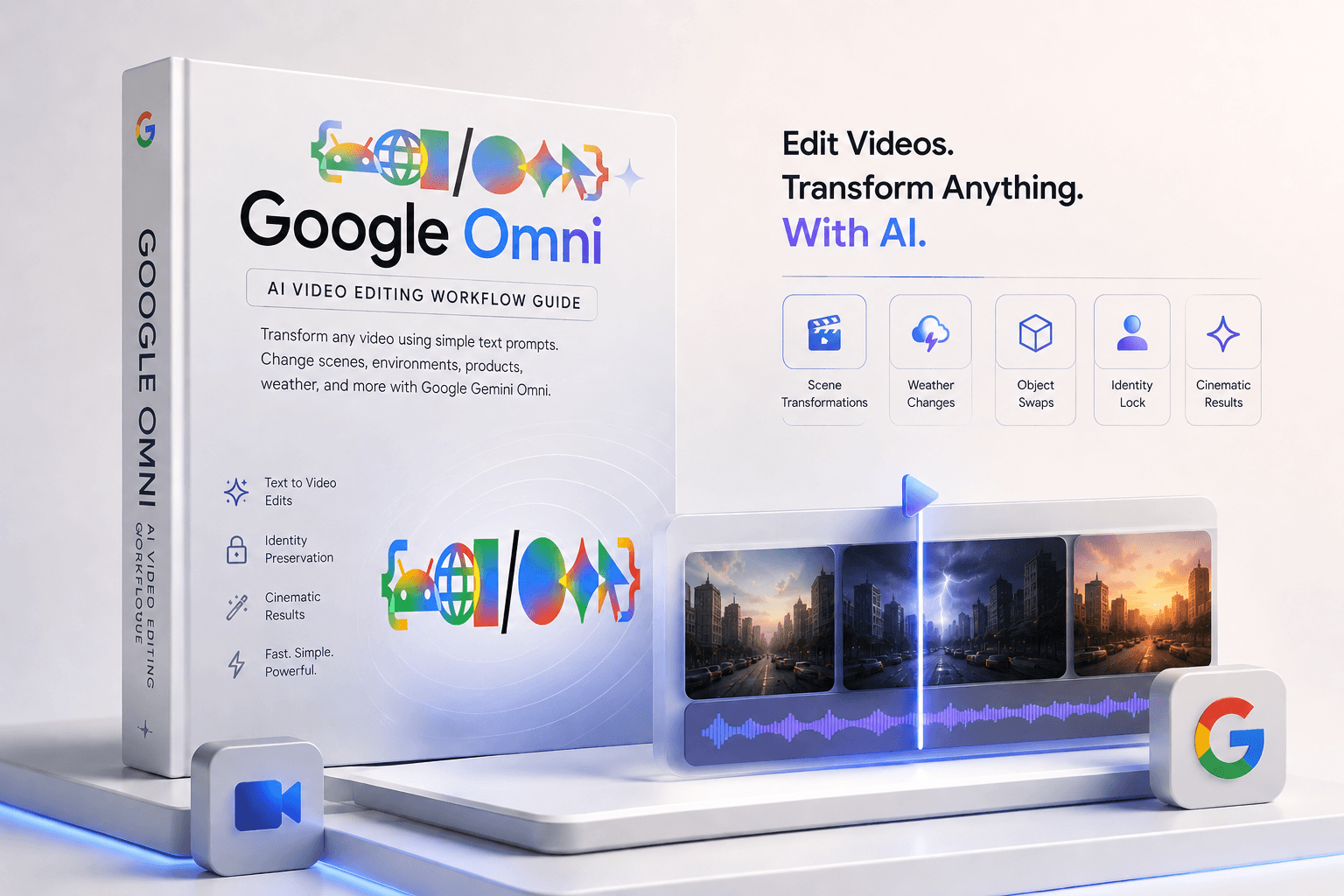
Google Omni AI Video Editing Workflow | Complete Gemini Video Editing Guide
- Delivered instantly — unlocked on your download page right after checkout.
- Personal + commercial use included. Use it for client work too.
Delivered as a Notion Template · Level: Intermediate
Includes downloads — files are delivered after purchase, not on this page.
About this product
Master Google Omni and unlock the next generation of AI video editing. This workflow guide shows you how to transform existing videos and images using simple text prompts — changing environments, weather, products, outfits, lighting, and entire scenes without traditional editing software.
Built for creators, marketers, UGC producers, agencies, filmmakers, and AI enthusiasts who want cinematic-quality edits without spending hours inside Premiere Pro, After Effects, or CapCut.
What You Get
🎬 Complete Google Omni Workflow
Learn how to access and use:
Google AI Studio
Gemini 2.5 Pro
Gemini 2.5 Flash
Google Flow
Gemini App
Higgsfield + Kling Omni Edit
✨ Scene Transformation System
Create:
Luxury penthouse transformations
Weather changes
Environment swaps
Day-to-night edits
Cinematic scene upgrades
Viral before/after videos
Premium commercial-style visuals
👤 Identity Preservation Framework
Keep:
Faces consistent
Subject positioning locked
Body proportions unchanged
Natural movement preserved
Camera motion intact
Realistic lighting continuity
Avoid:
Face changes
Flickering
Warping
Ghosting
Edge artifacts
🧠 The Core Prompt Formula
Get a reusable framework for:
Video edits
Image edits
Product integrations
Object swaps
Outfit changes
Environment transformations
Commercial-style upgrades
Simply plug in your footage and describe the change.
🎥 Advanced Multi-Turn Editing
Learn how to direct AI edits step-by-step like a creative director.
Build edits in layers:
Lock the identity
Change the environment
Improve lighting
Add cinematic details
Run cleanup passes
This creates significantly better results than one massive prompt.
🛍️ Product & Brand Integrations
Perfect for:
Product placement
UGC ad creation
Brand integrations
Ecommerce creatives
AI commercials
Product visualization
Creative testing
⚡ Higgsfield + Kling Omni Edit Workflow
Learn how to:
Add products into existing videos
Integrate reference images
Swap environments
Create realistic object placements
Match shadows, reflections, and lighting
No waitlists required.
📚 Included Prompt Library
Ready-to-use prompts for:
Weather transformations
Outfit changes
Object swaps
Luxury environment edits
Product ad upgrades
Identity locks
Background locks
Realism enhancement
Final cleanup passes
Perfect For
AI creators
UGC creators
Content creators
Video editors
Filmmakers
Agencies
Ecommerce brands
Marketing teams
Social media managers
Creative directors